AI trend template

Hotel Lobby AI Video Generator

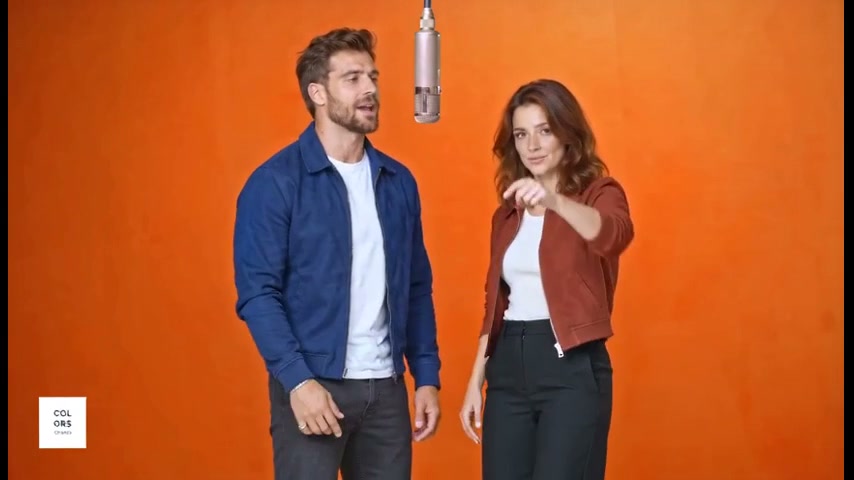
Two characters, one hanging mic. Recast the orange-studio rap duet with any two characters, shot by shot.

  • Two roles · two photos
  • Original moves & timing
  • 7s or 14s or 24s clip
Make my video300 free credits on sign-up
Hotel Lobby AI video example frame
Hotel Lobby (Unc & Phew) · Quavo & Takeoff

Create your Hotel Lobby video

1 · Your photos

Add one photo for each role, in the order shown. A well-lit photo with one subject, face fully visible, works best. People, pets and illustrated characters are all fine.

1Left performerStands on the left
2Right performerStands on the right

2 · Length

3 · Quality
229 credits300 free credits on sign-up

Connecting to the studio…

Example · 24s
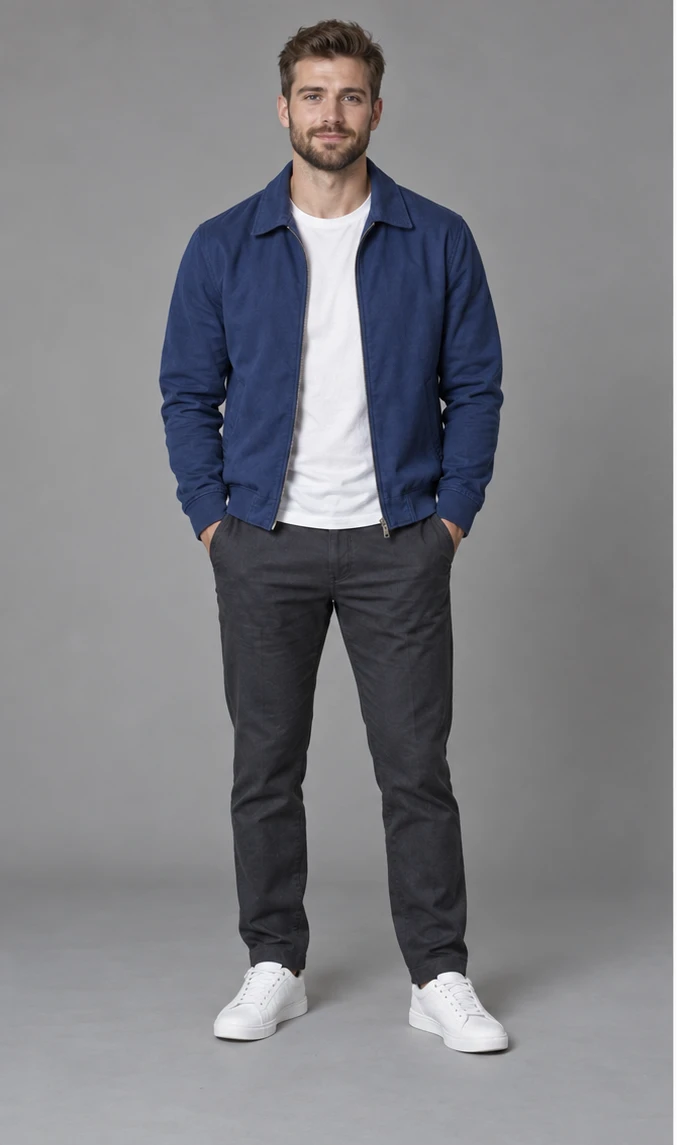
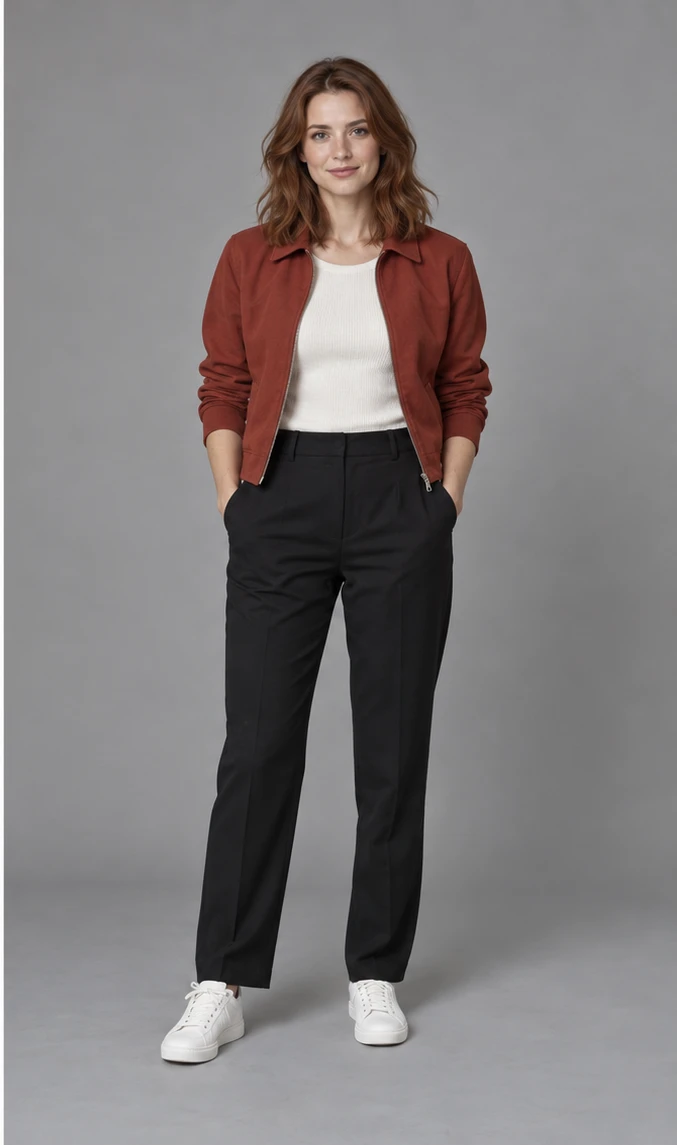
Made from these two photos
Photo of Left performer used for the exampleLeft performer
Photo of Right performer used for the exampleRight performer
Estimated time3–8 min
Approximate range. Busy queues can take longer.

How it works

From photos to the trend in three steps

The Hotel Lobby trend is a two-performer rap clip in an orange studio with a hanging silver microphone. Creators recast the duo with themselves, friends, pets or original characters and post it with the song.

  1. 01

    Add your photos

    Add one clear photo for Left performer and Right performer. A well-lit photo with the face fully visible works best.

  2. 02

    The performance becomes yours

    The original video is rebuilt shot by shot with your cast: same moves, camera and timing, with your characters’ faces, hair and bodies.

  3. 03

    Post it with the sound

    Download the silent clip and a still, then add the trending sound in TikTok or Reels from the start of the clip.

Guide

Making your Hotel Lobby AI video

What each photo becomes, what each length costs and how to post the result.

The roles

  • Photo 1: Left performer — stands on the left.
  • Photo 2: Right performer — stands on the right.

Lengths and credits

  • 7s · Quick trial — 229 credits Standard, 471 HD.
  • 14s · Extended clip — 457 credits Standard, 941 HD.
  • 24s · Complete film — 816 credits Standard, 1,680 HD.

Start with the quick trial (7s) to check the likeness, then make the longer version.

Format

Landscape 16:9, the same framing as the original clip. It plays as is on YouTube and X; for TikTok or Reels, post it with bars or crop it to vertical in CapCut.

Adding the sound

The download is silent. When you post, add “Hotel Lobby (Unc & Phew)” by Quavo & Takeoff from the TikTok, Instagram or CapCut sound library. Line the sound up with the first frame so the lips match.

Tips for this template

  • Photo order matters: the first photo becomes the left performer, the second the right performer.
  • Mixed casts work: you and a friend, you and your dog, or two original characters.

More templates

Raindance AI

Cast the singer and the companion on the golden-hour pier, following every shot.

2 photos

Smalltown Boy

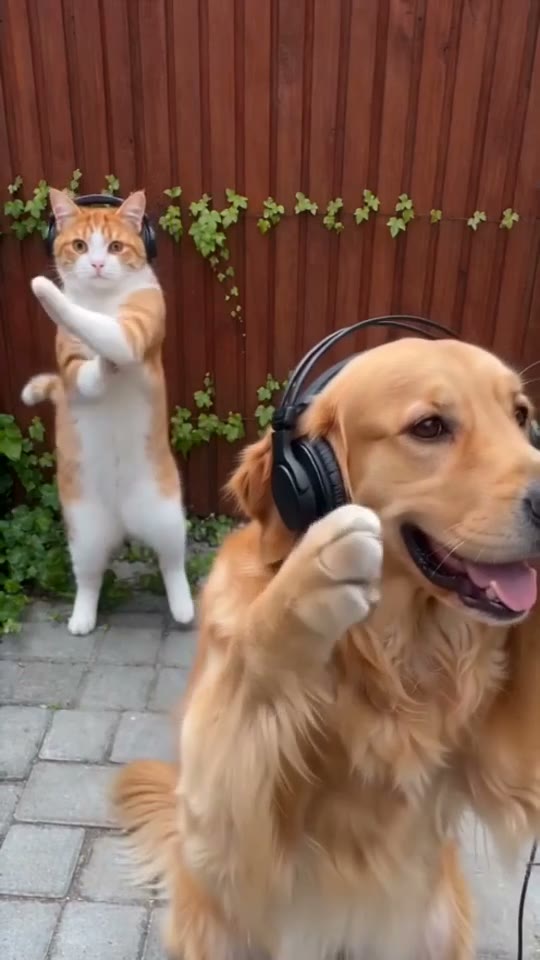
Cast cats, dogs or people in the headphone close-ups and the side-by-side dance.

2 photos

Zombie Love Story

A survivor, an infected partner and the meadow memories they share.

2 photos

Credit packs

One-time packs, no subscription

Credits work on every template. Sign in with Google and get 300 free credits, enough for a short Standard opening on most templates.

FAQ

Hotel Lobby video questions

Still unsure? Email support@aivideotrends.net.

Where did the Hotel Lobby AI trend come from?

It recreates Quavo and Takeoff performing “HOTEL LOBBY (Unc & Phew)” on A COLORS SHOW in 2022. The orange set and shared hanging microphone belong to that COLORS performance, which is separate from the song’s official music video. AI remixes cast new characters in the two roles.

Which photos do I need?

Two photos, one per role: the first photo becomes the left performer, the second becomes the right performer. Use a clear, well-lit photo with one subject: a person, a pet or a character illustration. Full body or waist-up works best, with the face fully visible and no sunglasses or heavy filters. People, pets and original characters all work.

Can I try it cheaply first?

Yes. This template has a short opening option that costs far fewer credits, so you can check both characters before making the complete video. Standard quality is the cheapest way to test.

Does the video keep the original sound?

The download is silent. Add the trending sound from TikTok, Instagram or CapCut when you post, starting from the first frame of the clip, and it lines up with the original timing.

Is this affiliated with the original creators?

No. This is an independent tool, not affiliated with, sponsored by or endorsed by the original creators, artists, labels or rights holders.

How much does a video cost?

The price depends on the template and its length. Where a short opening is offered, it costs up to 229 credits in Standard (480p); a complete video costs up to 980. HD (720p) costs about twice as much. The exact price is shown before you generate. Credits come in one-time packs, no subscription. New accounts get 300 free credits, enough for one Standard opening where available, or usable toward a longer video. Purchased credits are valid for 12 months; free credits for 30 days.

How long does it take?

Usually 3–8 minutes for a short opening and 6–25 minutes for a complete video, depending on its length. HD adds a few minutes, and busy periods can take longer. You can close the tab: the video keeps rendering and is saved to your account.

What happens if a generation fails?

Credits are only held while your video renders. If it fails for any reason, including a technical error or content moderation, the held credits go straight back to your balance.

Can I use photos of other people?

Only with their permission, and never images of anyone under 18. Don’t present generated videos of real people as genuine footage or as an endorsement. See our Terms of Service for the full rules.

Do I need an account?

You can browse every template without one. To generate or buy credits, sign in with Google. It keeps your videos and credits in one place across devices.