What photos do I need?
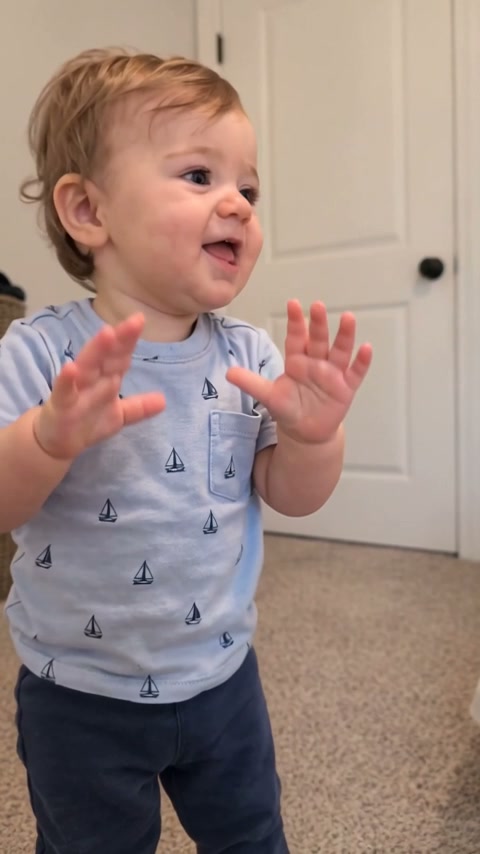
One character photo is required. You may also upload one background photo and one vehicle photo, such as a car, airplane or boat, for up to three images. Each optional photo can be used independently.
Can I upload only my character?
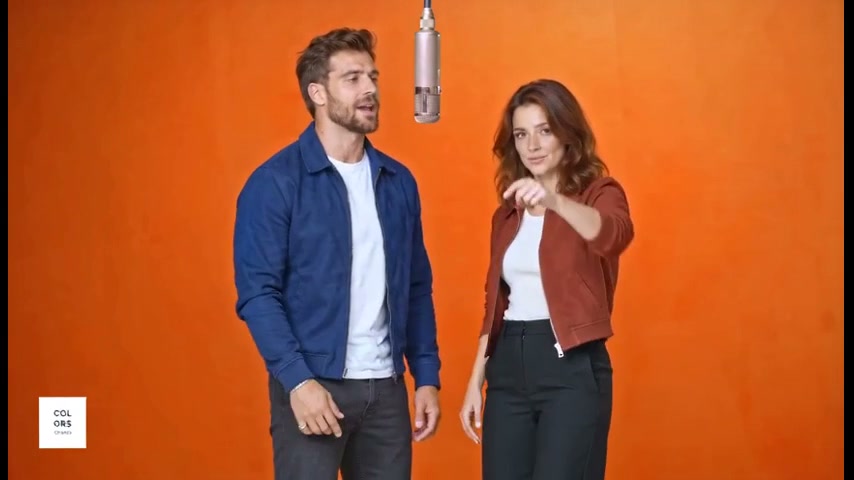
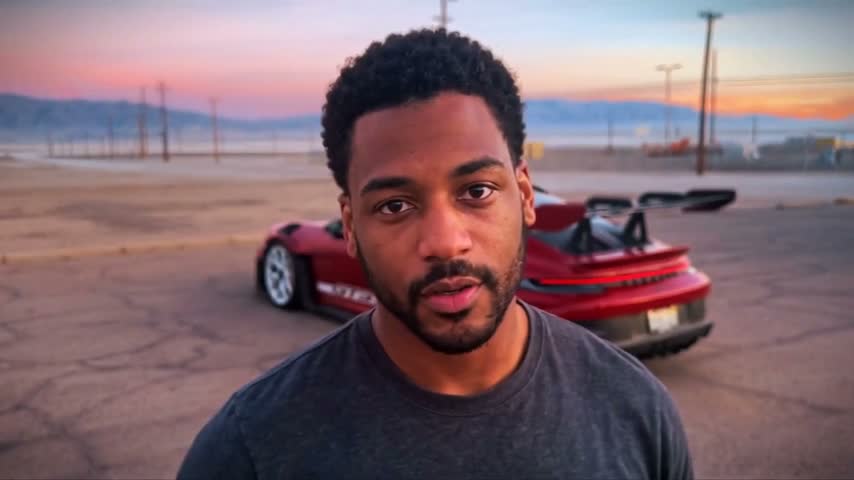
Yes. With only a character photo, the original sunset parking lot, red sports car, card gesture and camera timing stay in place.
Can the character be a pet or a non-human character?
Yes. Use one clear photo of a person, pet or original character. The edit follows the uploaded subject’s own head, body, species, clothing or natural covering, adapting the hand gestures to natural paws or forelimbs where needed.
Does the reveal have to be a car?
No. The optional Vehicle photo can show a car, airplane, boat or another object. It replaces the sports car after the card flick; it is not treated as a second character or placed on the cards.
How long is the video?
Try the first 5 seconds, including the card flick and reveal, or make the complete 11.7-second clip with the pointing gesture and ending.
What does 24 mean in this template?
The two green cards show 2 and 4 from left to right. They pass close to the lens, hiding the edit that reveals the object behind the character.
Does the video include sound?
Yes. The reference clip’s original audio is aligned with the exported video.
How much does a video cost?
The price depends on the template and its length. Where a short opening is offered, it costs up to 262 credits in Standard (480p); a complete video costs up to 980. HD (720p) costs about twice as much. The exact price is shown before you generate. Credits come in one-time packs, no subscription. New accounts get 300 free credits, enough for one Standard opening where available, or usable toward a longer video. Purchased credits are valid for 12 months; free credits for 30 days.
How long does it take?
Usually 3–8 minutes for a short opening and 6–25 minutes for a complete video, depending on its length. HD adds a few minutes, and busy periods can take longer. You can close the tab: the video keeps rendering and is saved to your account.
What happens if a generation fails?
Credits are only held while your video renders. If it fails for any reason, including a technical error or content moderation, the held credits go straight back to your balance.
Can I use photos of other people?
Only with their permission. For a photo showing someone under 18, you must own its copyright and be the child’s parent or legal guardian, or have that parent’s or guardian’s explicit permission. Don’t present generated videos of real people as genuine footage or as an endorsement. See our Terms of Service for the full rules.
Do I need an account?
You can browse every template without one. To generate or buy credits, sign in with Google. It keeps your videos and credits in one place across devices.

 Character