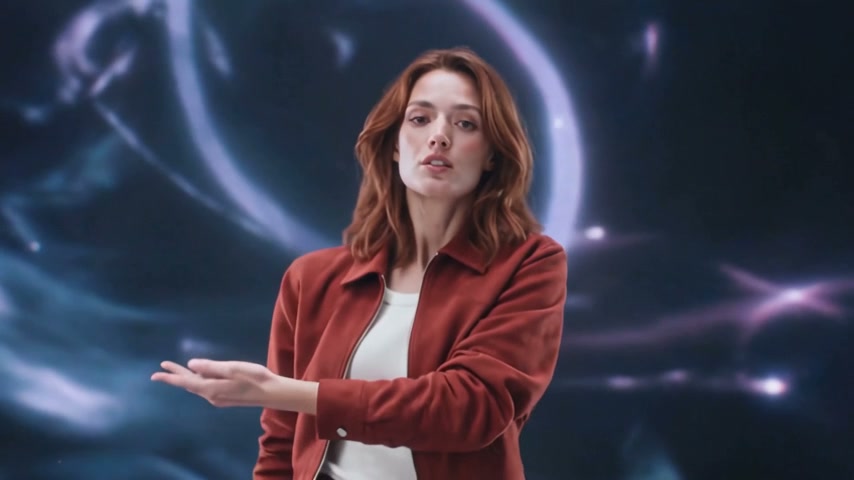
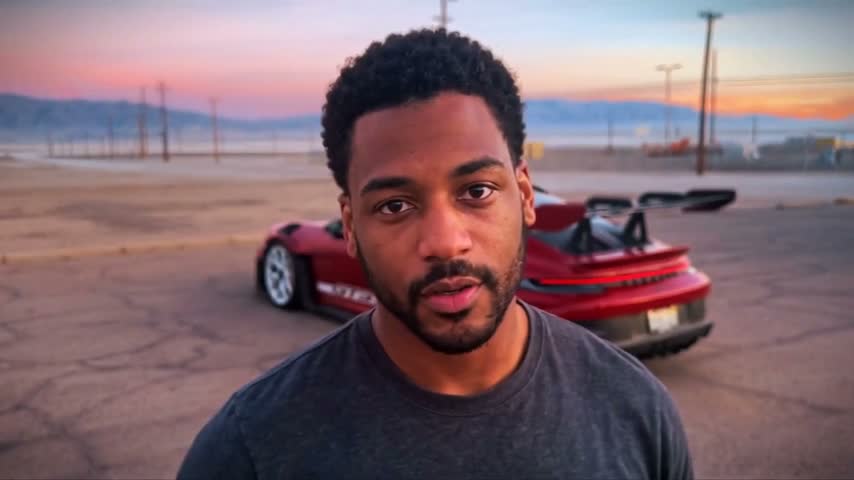
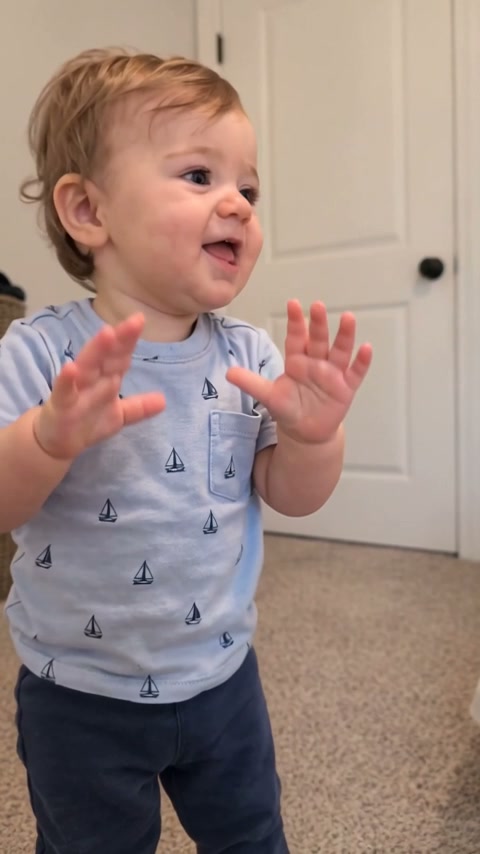
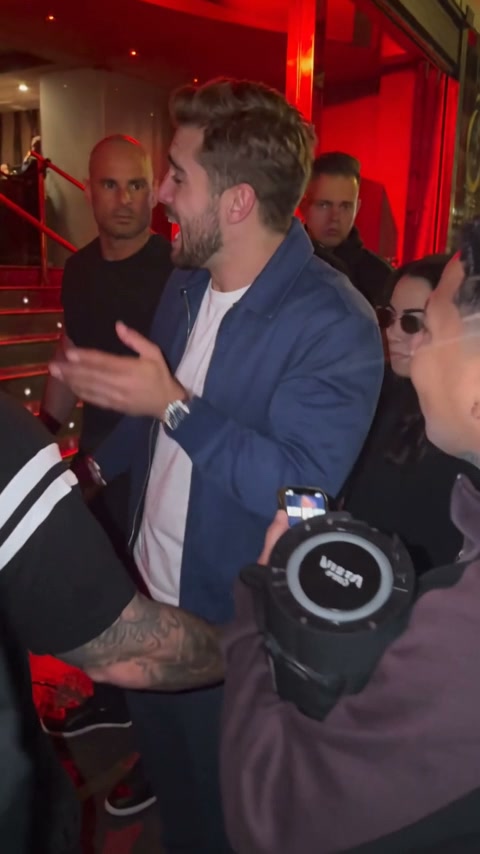
What is the ChatGPT millionaire AI trend?
It is the “How do I become a millionaire in 30 days?” comedy meme: someone asks ChatGPT for a shortcut, the phone answers “Get a job,” and the person objects. This generator puts your uploaded character into a prepared version of that conversation.
How do I make the Hello ChatGPT, how to be rich video?
Upload one character photo, choose Standard or HD, and generate the complete 14-second clip. The template handles the scene and performance, and the download includes the reference video’s original dialogue.
Can I use a character illustration instead of a selfie?
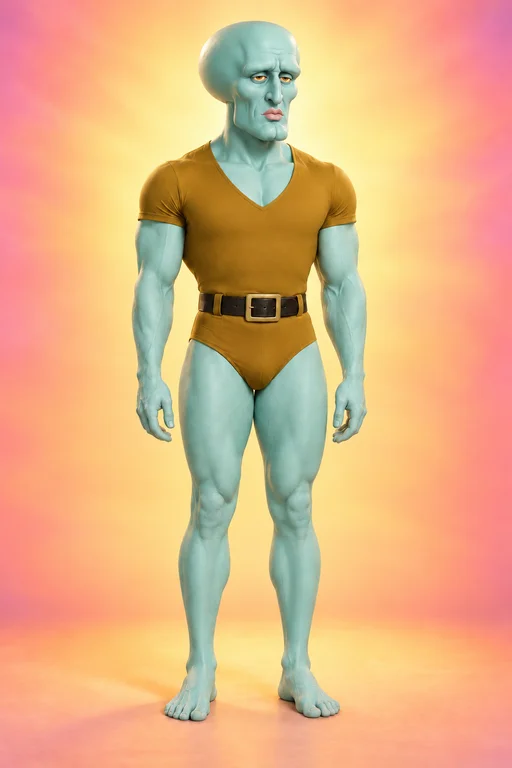
Yes. The character photo guides the whole appearance, including the head shape, body and outfit. Use a single unobstructed subject. Stylized faces, animal mouths and unusual anatomy can produce less accurate lip sync or hand gestures.
Does it keep the original Get a job audio?
Yes. The exported video uses the reference clip’s original audio, including the question, phone reply and follow-up. Your uploaded photo changes the visible character, not the dialogue or voice.
Can I change the dialogue or background?
This template keeps the prepared conversation and outdoor setting. It replaces the lead character from one photo; custom scripts and background uploads are not available on this page.
How long is the video and which quality should I choose?
The video is 14 seconds in vertical 9:16 format. Standard is 480p and costs fewer credits; HD is 720p. The credit total is shown before you generate. There is no shorter preview that cuts off the joke.
Is this an official ChatGPT tool or financial advice?
No. AI Video Trends is an independent video tool, not affiliated with or endorsed by OpenAI or ChatGPT. This template is a comedy sketch, not financial advice or a promise of income.
How much does a video cost?
The price depends on the template and its length. Where a short opening is offered, it costs up to 262 credits in Standard (480p); a complete video costs up to 980. HD (720p) costs about twice as much. The exact price is shown before you generate. Credits come in one-time packs, no subscription. Sign in with Google and buy a pack to generate. Purchased credits are valid for 12 months.
How long does it take?
Usually 3–8 minutes for a short opening and 6–25 minutes for a complete video, depending on its length. HD adds a few minutes, and busy periods can take longer. You can close the tab: the video keeps rendering and is saved to your account.
What happens if a generation fails?
Credits are only held while your video renders. If it fails for any reason, including a technical error or content moderation, the held credits go straight back to your balance.
Can I use photos of other people?
Only with their permission. For a photo showing someone under 18, you must own its copyright and be the child’s parent or legal guardian, or have that parent’s or guardian’s explicit permission. Don’t present generated videos of real people as genuine footage or as an endorsement. See our Terms of Service for the full rules.
Do I need an account?
You can browse every template without one. To generate or buy credits, sign in with Google. It keeps your videos and credits in one place across devices.

 Main character