AI trend template

K/DA Firestarter Dance AI Video Generator

The Kai’Sa dance, with your own character. Turn one person or pet photo into the Kai’Sa-inspired Firestarter dance, with glowing trails and dramatic camera moves.

  • One photo
  • Original sound included
  • 5s · 14s
Make my videoCredit packs from $4.90, no subscription
FIRESTARTER · K/DA

Create your K/DA Firestarter Dance video

1 · Your photo

Add one clear photo. A well-lit photo with one subject, face fully visible, works best. People, pets and illustrated characters are all fine.

1DancerPerson or pet

2 · Length

3 · Quality
164 creditsSign in and buy credits to generate

Connecting to the studio…

Example · 14s

Choose an image to watch its video

Human example · Made from this full-body photo

Estimated time3–8 min
Approximate range. Busy queues can take longer.

How it works

From photos to the trend in three steps

The K/DA Firestarter dance trend reimagines Kai’Sa’s performance with new characters. This template follows a 14-second AI dance reference: face close-ups, sweeping gestures, a high kick and a rotating final shot against luminous lavender trails. Your photo supplies the dancer’s appearance.

  1. 01

    Add your photo

    Add one clear photo for Dancer. A well-lit photo with the face fully visible works best.

  2. 02

    The performance becomes yours

    The original video is rebuilt shot by shot with your cast: same moves, camera and timing, with your characters’ faces, hair and bodies.

  3. 03

    Post it with the sound

    Download your video with the reference clip’s original audio already aligned to the performance.

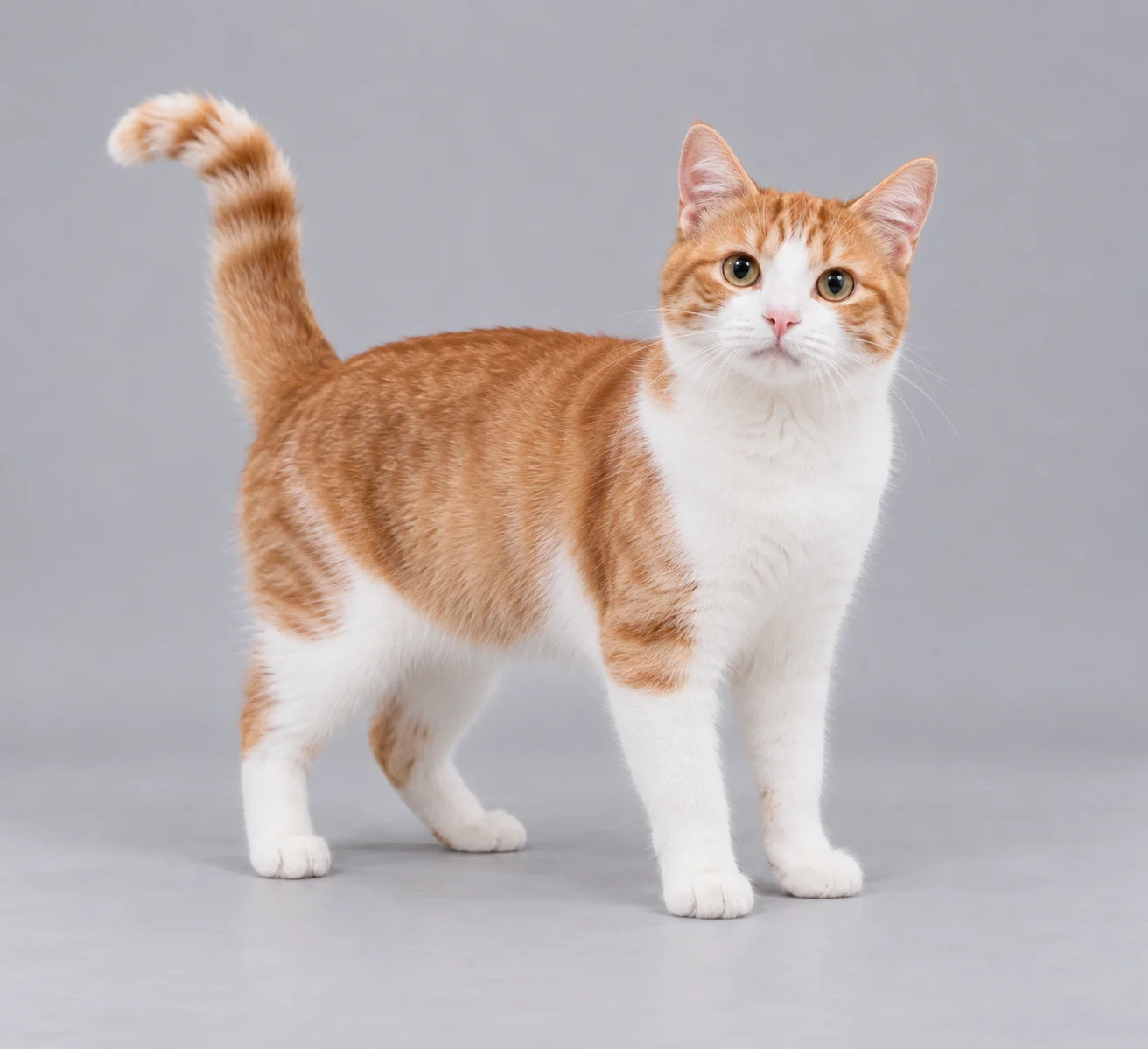
A cat photo becomes the Firestarter dancer

This ordinary four-legged cat photo created the example below. The cat dances upright, keeping its orange-and-white markings, paws and tail. The movement is deliberately human-like; body and limb proportions can stretch during the dance.

Orange-and-white cat standing on four paws in the input photo
Input photo
Cat example · 14 seconds · Standard 480p · Original reference audio

Guide

Making your K/DA Firestarter Dance AI video

What each photo becomes, what each length costs and how to post the result.

The role

  • Dancer — person or pet.

Lengths and credits

  • 5s · Opening preview — 164 credits Standard, 336 HD.
  • 14s · Complete dance — 457 credits Standard, 941 HD.

Start with the opening preview (5s) to check the likeness, then make the longer version.

Format

Landscape 16:9, the same framing as the original clip. It plays as is on YouTube and X; for TikTok or Reels, post it with bars or crop it to vertical in CapCut.

Original sound

The reference clip’s original audio is included in your download and aligned with the video.

Tips for this template

  • Upload one sharply focused photo with a single subject. A full-body view helps with the wide shots and high kick; keep the face, hands or paws visible.
  • For people, use the outfit you want in the video. The close-ups make a clear face and evenly lit photo especially useful.
  • For pets, show the face, fur markings, paws and tail where possible. Pets dance upright with adapted gestures; their proportions may become more human-like.
  • Try the 5-second opening in Standard quality before making the full 14-second dance. The full clip adds the wide dance, high kick and rotating finish.
  • Compare the human and cat demos before uploading. Fast hands, paws, facial details and backgrounds can change; this is an AI interpretation rather than a frame-perfect copy.

More templates

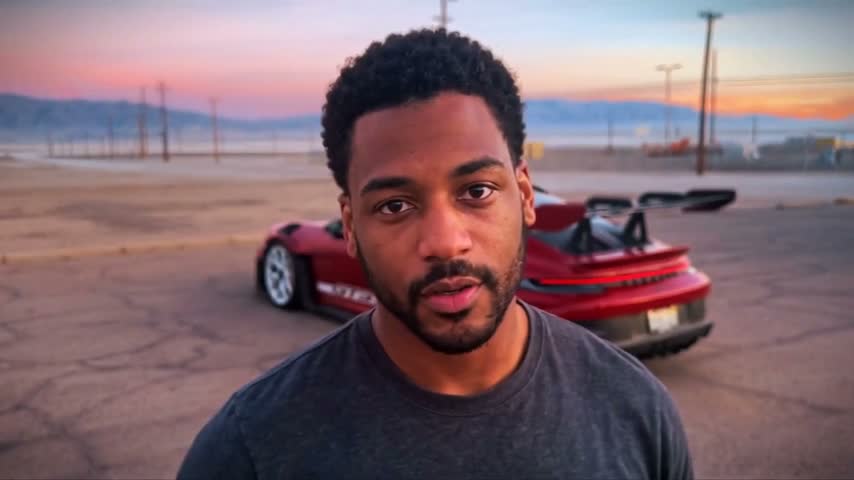
Unforgettable Car Trend

Recreate the 2-and-4 card flick and reveal. Keep the original setting and car, or add your own background and vehicle.

Make this with 1–3 photos

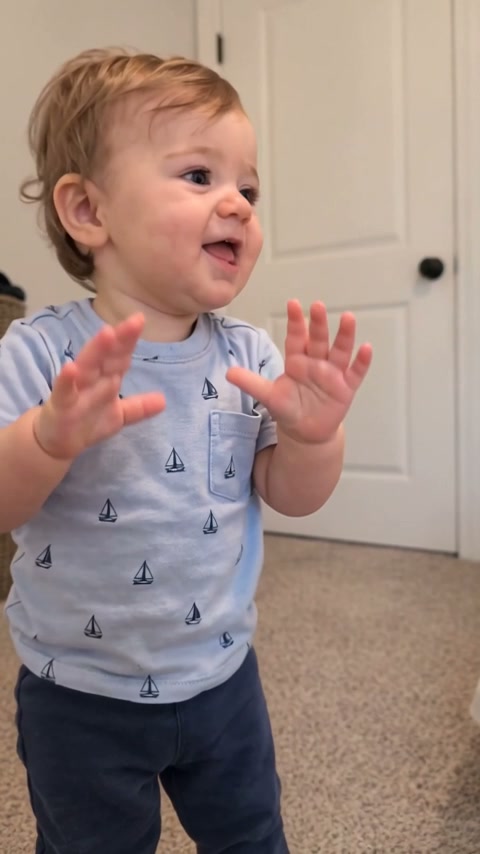
Baby Dance

Turn one baby, adult or pet photo into the expressive 30-second living-room dance.

Make this with 1 photo

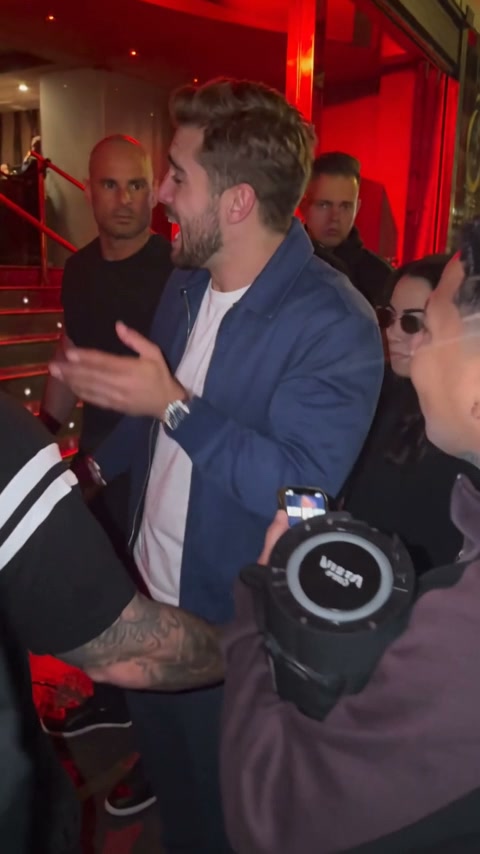
Bulin 47 AI

Put your character into the 15-second red-lit freestyle performance.

Make this with 1 photo

Burning Bridges

Recast the office party lead while the guests and choreography stay.

Make this with 1 photo

Credit packs

One-time packs, no subscription

Credits work on every template. Sign in with Google and buy a pack to make a short opening or a complete video.

See all 7 packs, up to 65,000 credits

FAQ

K/DA Firestarter Dance video questions

Still unsure? Email support@aivideotrends.net.

What is the KDA Firestarter Dance AI template?

It turns one photo into a dance video inspired by Kai’Sa’s K/DA Firestarter performance. Your character follows a prepared AI reference with close-up gestures, wide dance shots, a high kick and glowing lavender trails.

Can I make my cat or another pet do the Kai’Sa dance?

You can upload a pet photo. The cat demo on this page was generated directly from an ordinary four-legged cat photo. Pets perform an upright, human-like dance; proportions may stretch. Other species and photos may produce different results.

Which photo works best?

Use one clear, well-lit photo with a single person or pet. Show the full body when possible, including hands or paws. Avoid obscured faces, cropped limbs and heavy filters.

How long is the Firestarter dance video?

Choose a 5-second opening preview or the full 14-second dance. Both use the original 16:9 landscape framing. Standard is 480p and HD is 720p; the demos shown here were made in Standard quality.

Will my character keep its own appearance?

Your photo guides the face, hair, outfit or fur markings, while the reference guides the dance and camera. The human demo keeps the red jacket and black trousers; the cat demo keeps its orange-and-white fur. Likeness and small details can vary.

Does the download include the music?

Yes. The reference clip’s original audio is added to the exported video and aligned from the first frame.

Is this the official K/DA music video?

No. This independent template uses an AI dance reference inspired by the trend. AI Video Trends is not affiliated with K/DA, Riot Games or League of Legends, and the result is not a frame-exact remake of the official video.

How much does a video cost?

The price depends on the template and its length. Where a short opening is offered, it costs up to 262 credits in Standard (480p); a complete video costs up to 980. HD (720p) costs about twice as much. The exact price is shown before you generate. Credits come in one-time packs, no subscription. Sign in with Google and buy a pack to generate. Purchased credits are valid for 12 months.

How long does it take?

Usually 3–8 minutes for a short opening and 6–25 minutes for a complete video, depending on its length. HD adds a few minutes, and busy periods can take longer. You can close the tab: the video keeps rendering and is saved to your account.

What happens if a generation fails?

Credits are only held while your video renders. If it fails for any reason, including a technical error or content moderation, the held credits go straight back to your balance.

Can I use photos of other people?

Only with their permission. For a photo showing someone under 18, you must own its copyright and be the child’s parent or legal guardian, or have that parent’s or guardian’s explicit permission. Don’t present generated videos of real people as genuine footage or as an endorsement. See our Terms of Service for the full rules.

Do I need an account?

You can browse every template without one. To generate or buy credits, sign in with Google. It keeps your videos and credits in one place across devices.