Bad Times AI · Baby dance version

Bad Times AI
baby dance.

Turn one baby, adult or pet photo into the Bad Times baby dance in the original living-room scene. Preview 5 seconds, make a 15-second version, or create the complete 30-second video with the reference sound.

  • One person or pet photo
  • Original sound included
  • 30s
Make my Bad Times video$8.80 per complete video, no subscription
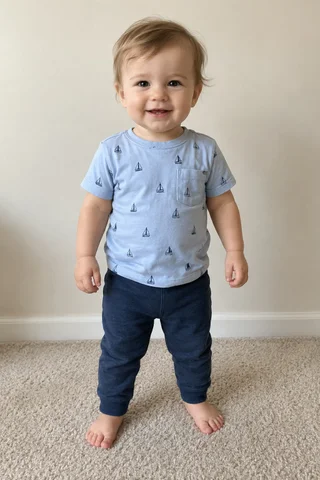
Baby photo used to make the example videoOne photo → the 30-second Bad Times baby danceGenerated example · Use the player controls to hear the reference sound

Create your Bad Times AI video

1 · Your photo

Add one clear photo. Use a clear baby, adult or pet photo with the face and body visible. If the photo shows a child, you must own its copyright and be the child’s parent or legal guardian, or have explicit permission from the child’s parent or legal guardian to use their likeness.

1DancerPerson or pet

30s · Standard 480p · Complete video

$8.80 per videoOne-time purchase · No subscription

Connecting to the studio…

New accounts receive no free credits. Buy one video or a credit pack to generate.
Example · 30s
Bad Times baby dance · Made from this photo
Photo of Dancer used for the exampleDancer
Estimated time10–25 min
Approximate range. Busy queues can take longer.

How it works

From photos to the trend in three steps

This template follows the baby version of the Bad Times dance: one dancer gestures toward the camera in a bright living room, then moves into playful face close-ups. It keeps this 30-second scene and timing while replacing the baby with the person or pet in your photo; it does not offer the separate kitchen or two-person versions.

  1. 01

    Add your photo

    Add one clear baby, adult or pet photo with the face and body visible. For a child photo, you must own it and have the required parent or guardian permission.

  2. 02

    The performance becomes yours

    Choose a 5-second preview, 15-second version, or full 30-second Bad Times baby dance. Your photo guides the dancer in the original living-room scene.

  3. 03

    Post it with the sound

    Download your video with the reference clip’s original audio already aligned to the performance.

Guide

Making your Bad Times AI video

What each photo becomes, what your video includes and how to post the result.

The role

  • Dancer — person or pet.

Your complete video

30s · Standard 480p · $8.80 per video.

Already have credits? This video uses 980 credits.

Format

Vertical 9:16, ready for TikTok, Instagram Reels and YouTube Shorts.

Original sound

The reference clip’s original audio is included in your download and aligned with the video.

Tips for this template

  • Use one clear photo of a baby, adult or pet with the face and body visible. A standing full-body photo gives the model the best guide for the dance.
  • The original camera moves very close to the dancer in the middle, so facial details matter as much as the body.
  • If your photo shows a child, you must own the photo’s copyright and be the child’s parent or legal guardian, or have explicit permission from the child’s parent or legal guardian to use their likeness.

More templates

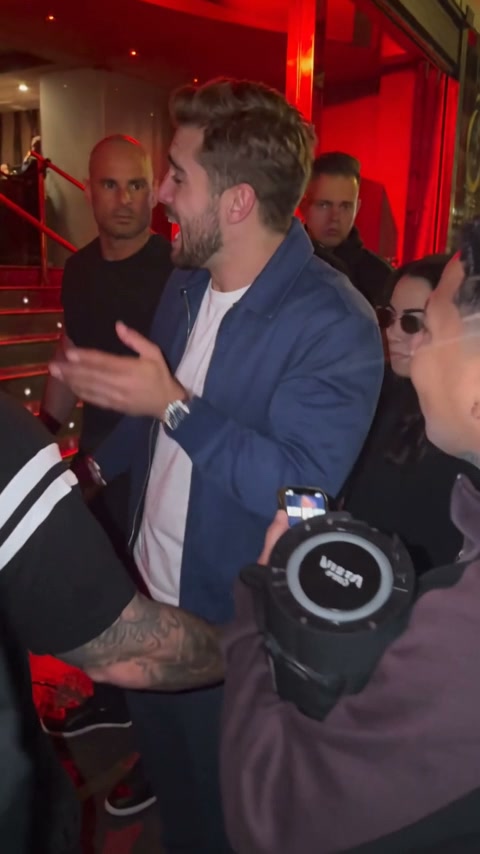
Bulin 47 AI

Put your character into the 15-second red-lit freestyle performance.

Make this with 1 photo

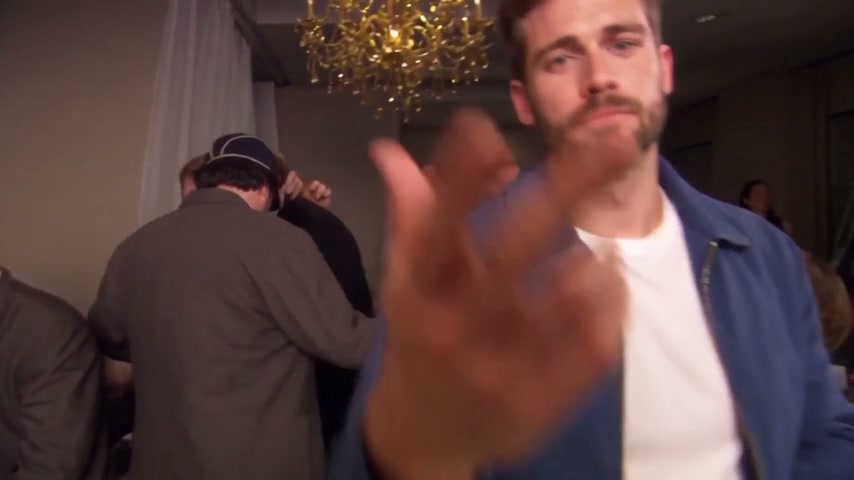
Burning Bridges

Recast the office party lead while the guests and choreography stay.

Make this with 1 photo

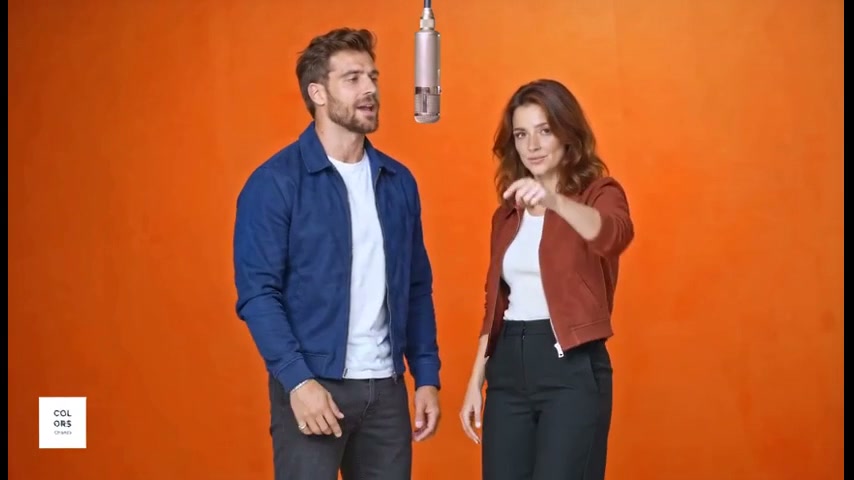
Hotel Lobby

Recast the orange-studio rap duet with any two characters, shot by shot.

Make this with 2 photos

Raindance AI

Cast the singer and the companion on the golden-hour pier, following every shot.

Make this with 2 photos

Credit packs

One-time packs, no subscription

Buy one complete Standard video for $8.80 in the studio, or choose a credit pack. Existing credits work on every template.

See all 7 packs, up to 65,000 credits

FAQ

Bad Times AI video questions

Still unsure? Email support@aivideotrends.net.

Which Bad Times version does this template make?

It makes the 30-second baby dance version in a bright living room. Upload a baby, adult or pet photo to replace the dancer. The separate kitchen argument and two-person versions are not available in this template.

What photo should I upload?

One clear baby, adult or pet photo, preferably showing the face and full body in good light. For a child photo, you must own its copyright and have the required parent or guardian permission. Avoid heavy filters or another subject in the frame.

How long is the video?

The complete vertical dance video is 30 seconds, in Standard (480p).

Will the clip look exactly like the original?

The tool follows the source gestures and camera movement while replacing the original baby with the person or pet in your photo. The 30-second video is generated in sections, so small changes at the joins are possible.

Does the download include music?

Yes. The original audio from the reference video is included and stays aligned with the dance.

How much does a video cost?

Buy one complete video for $8.80, or use a credit pack. Both options are one-time purchases with no subscription. Prices are in USD before applicable tax; the final amount is shown at checkout.

Can I use credits I already have?

Yes. If your balance covers the credit cost shown in the studio, generate directly with those credits. You do not need to buy the video again. If your balance is too low, choose a single-video purchase or a credit pack.

What do I get with a single-video purchase?

You receive enough credits to generate one complete Standard (480p) video of the selected template. Its full duration is shown before you buy. Existing credits stay in your balance.

What happens after I pay?

Return to the studio, check your photos and click Generate. Payment adds credits to your account; it does not start generation automatically.

Can I choose HD or a shorter video?

New videos use Standard (480p) and the full duration of the selected template. HD and shorter versions are not currently offered. Previously generated videos remain available in your account.

How long does it take?

Allow an estimated 6–25 minutes after starting generation, depending on the template and demand. This is an estimate, not a guaranteed delivery time. You can close the tab once generation starts and return to your account later.

What happens if a generation fails?

The credits reserved for that attempt return to your balance automatically, including for technical errors or content moderation. This is a credit return, not an automatic refund to your payment method. See the Refunds section of our Terms of Service for payment refunds.

Do I need an account?

You can browse templates and watch examples without an account. Sign in with Google to purchase or generate. Your videos and credit balance are saved to that account.

Can I use photos of other people?

Only with their permission. For a photo showing someone under 18, you must own its copyright and be the child’s parent or legal guardian, or have that parent’s or guardian’s explicit permission. Don’t present generated videos of real people as genuine footage or as an endorsement. See our Terms of Service for the full rules.